
First steps
Before loading rates, make the organisation’s basic records easy for consultants to reuse.
- Open Suppliers and add the hotels, activity operators, transfer companies, tour providers, and car-rental suppliers you sell. Use the supplier’s trading name consistently because it appears in rate sheets and booking communications.
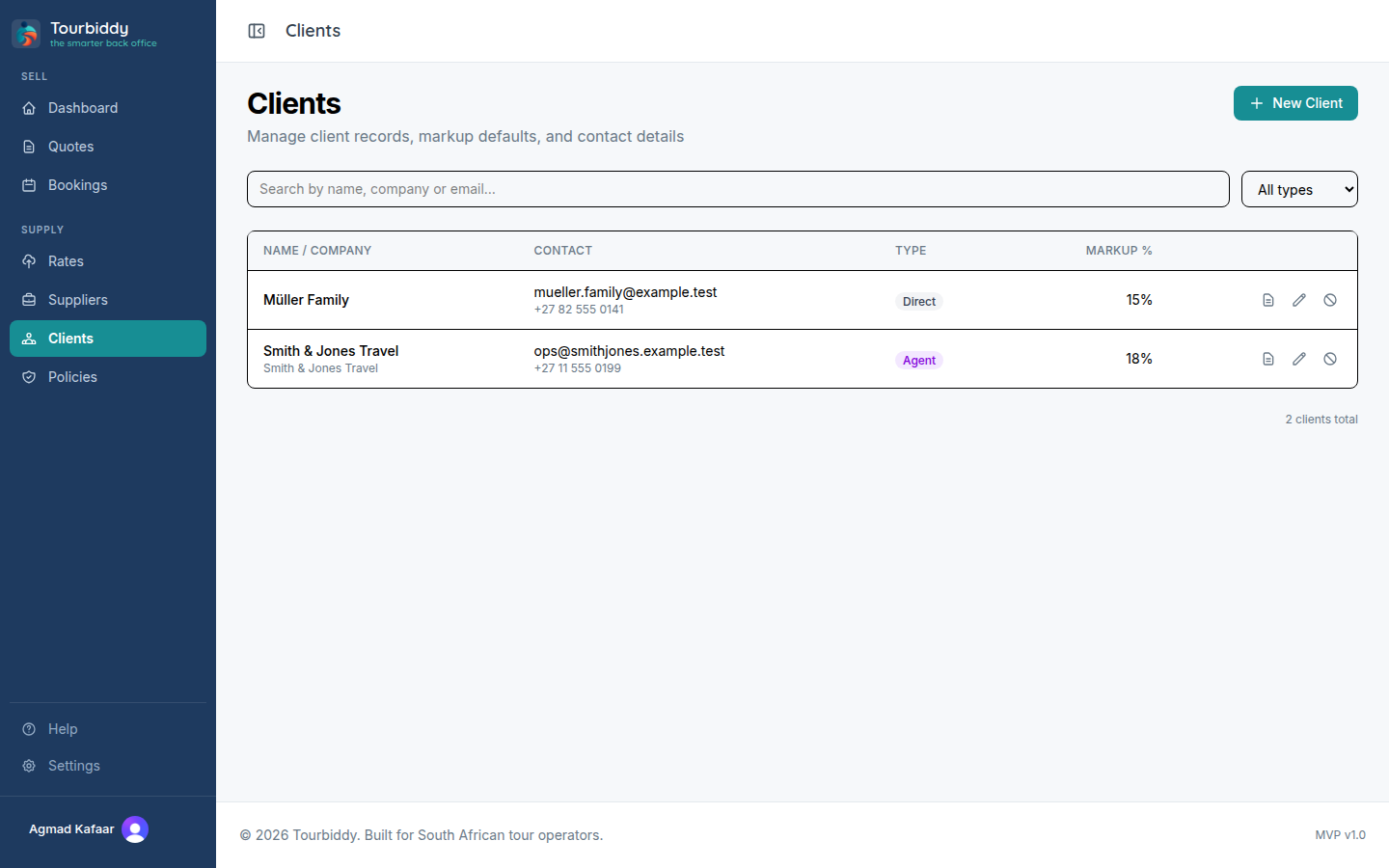
- Open Clients and add the travel agent, wholesaler, or direct traveller account. Client settings can provide the default markup used during quoting.
- Open Rates and choose Upload rate sheet for a PDF, XLSX, XLS, or DOCX supplied by a partner. Select the sheet type and rate type hint before uploading. For a blank sheet, choose the manual wizard instead.
- Review the parser result or wizard draft. Check the currency, seasons, room or service names, pricing units, meal bases, child rules, and supplements.
- Publish the validated rate sheet, then open Quotes and select the client. Add the travel dates, pax, and itinerary legs. Search for the rates you just published.
- Review the calculation and markup, save the quote, and send it only after its status is Priced.
For a first test, use one property, one service, and a simple two-person itinerary. This makes it easy to compare the quoted amount against the supplier’s source document. Once the result is correct, add more seasons and service lines.